 Back to FAQs
Wondering how to install No Hesi cars? Follow this guide!
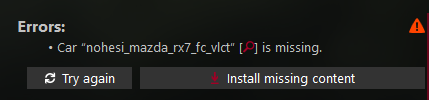
Requirements: https://discord.com/channels/964645662866173972/1322223328735399989
Step 1
Press Install missing content
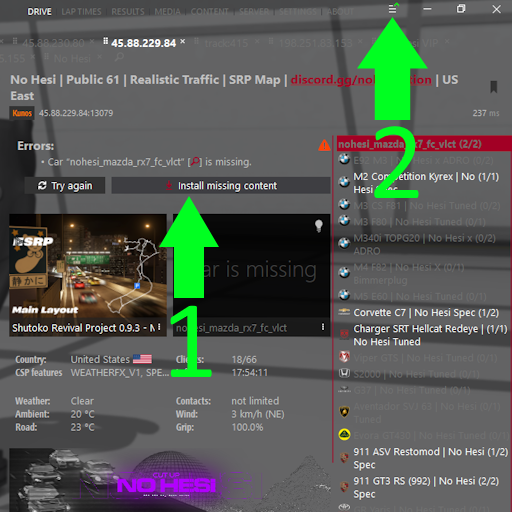
Step 2.
At the top right, open the ≡ menu, wait for the car(s) to download and then press Install.
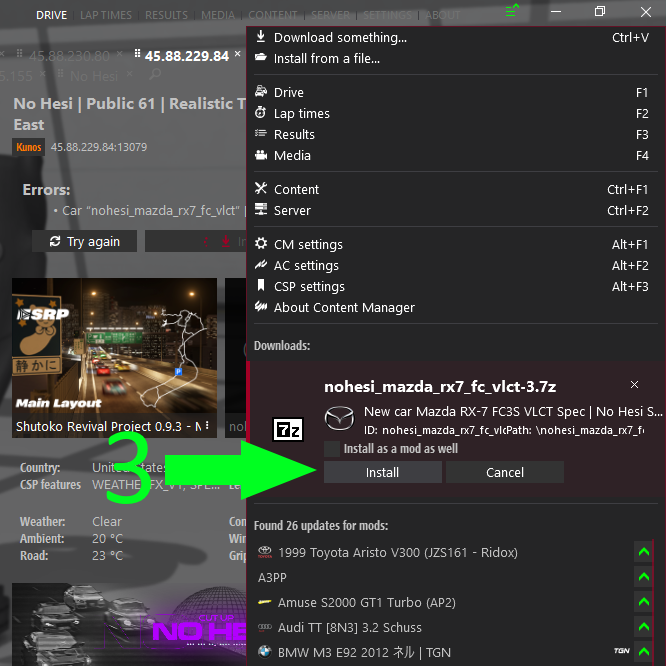
Step 3.
MAKE SURE TO ALWAYS RESTART CONTENT MANAGER AFTER INSTALLING CARS.
-# This will fix the obsolete version error.