 Back to FAQs
Have a controller but it does not work in-game? Follow this guide!
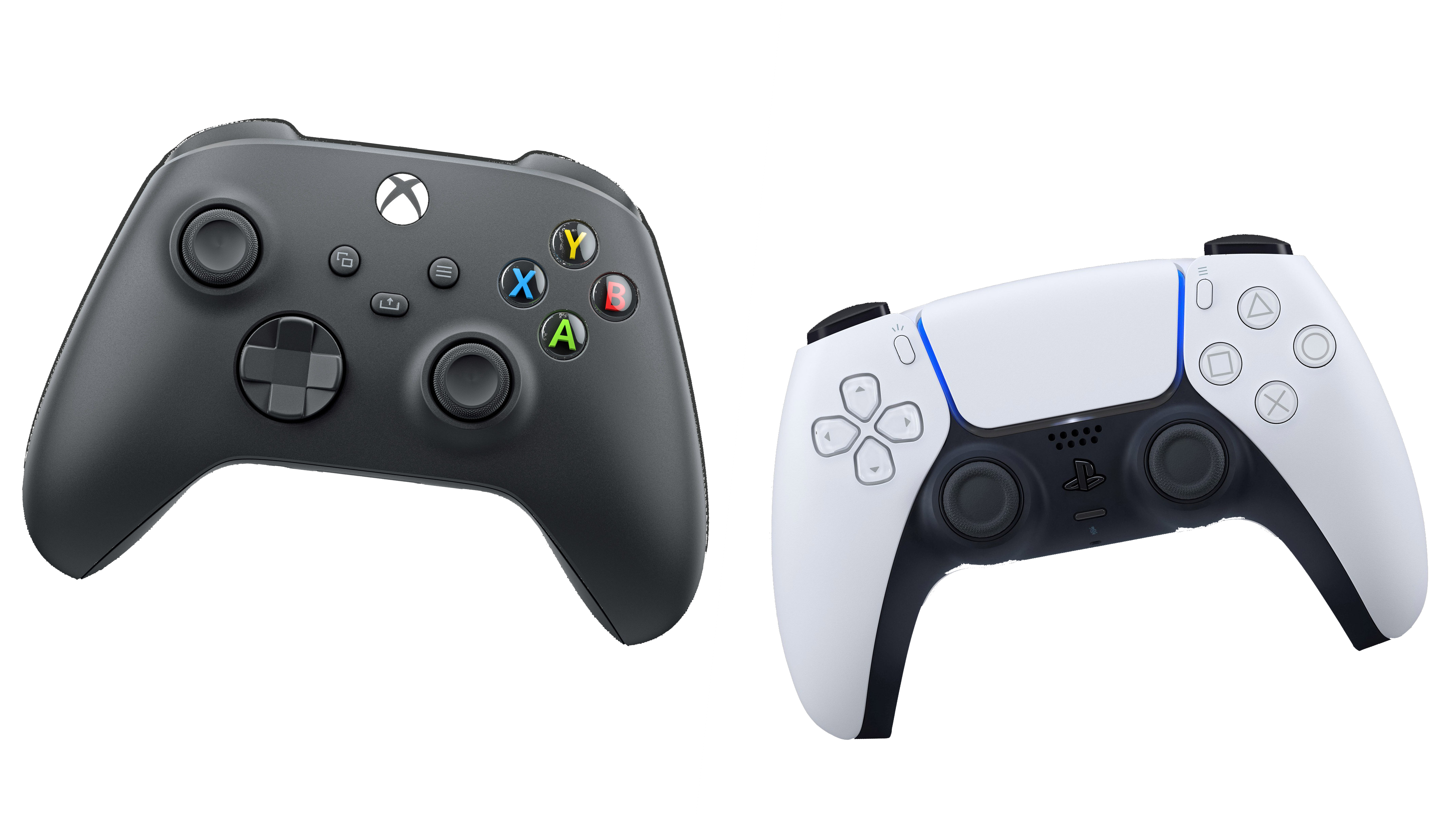
If you have a PS4/5 controller, go to (https://discord.com/channels/964645662866173972/1322225805333626981) first.
If you have a Xbox controller and this guide does not fix it, follow (https://discord.com/channels/964645662866173972/1322252361581854761)
Method 1
Step 1
Open Content Manager and go to Settings > Assetto Corsa > Controls > Input Method: Gamepad > Main
Step 2
IF YOU ARE using a Playstation 4 or 5 gamepad, tick the box.
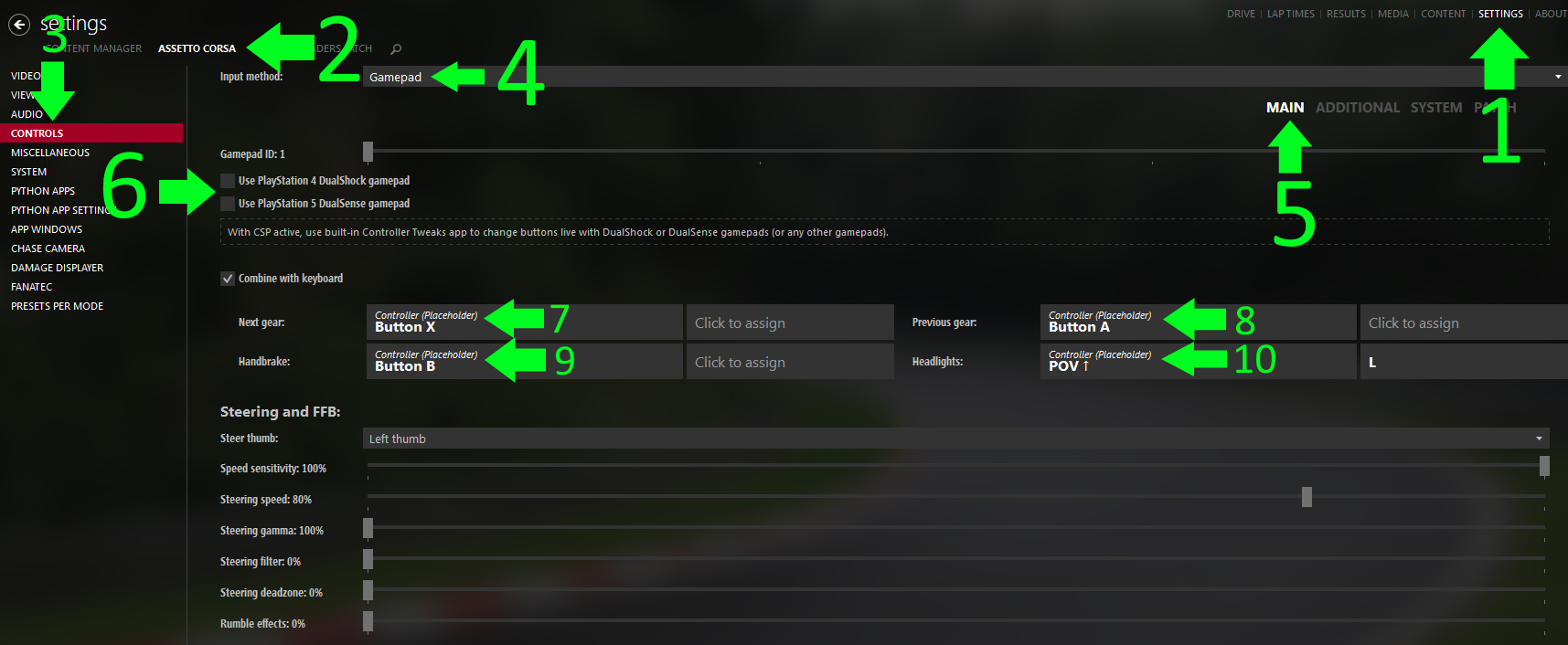
Any binds that say Preset can NOT be changed.
If you want settings, check out https://discord.com/channels/964645662866173972/1189409395226984518
For assists and presets head to gamepad fx in CSP settings
VIDEO GUIDE
Method 2
Step 1
Head into any race, online or solo
Step 2
Go to the right hand side of the screen with the apps
Step 3
Go to the 4 square icon that says "all apps" click on that
Step 4
In the filter search for "App Shelf"
Step 5
In App Shelf, find “Extended Controls” and install it
Step 6
Open the Extended Controls app and click into any bind you want to change and click the button you want to replace it with. Hit replace old and now you can change the binds you want