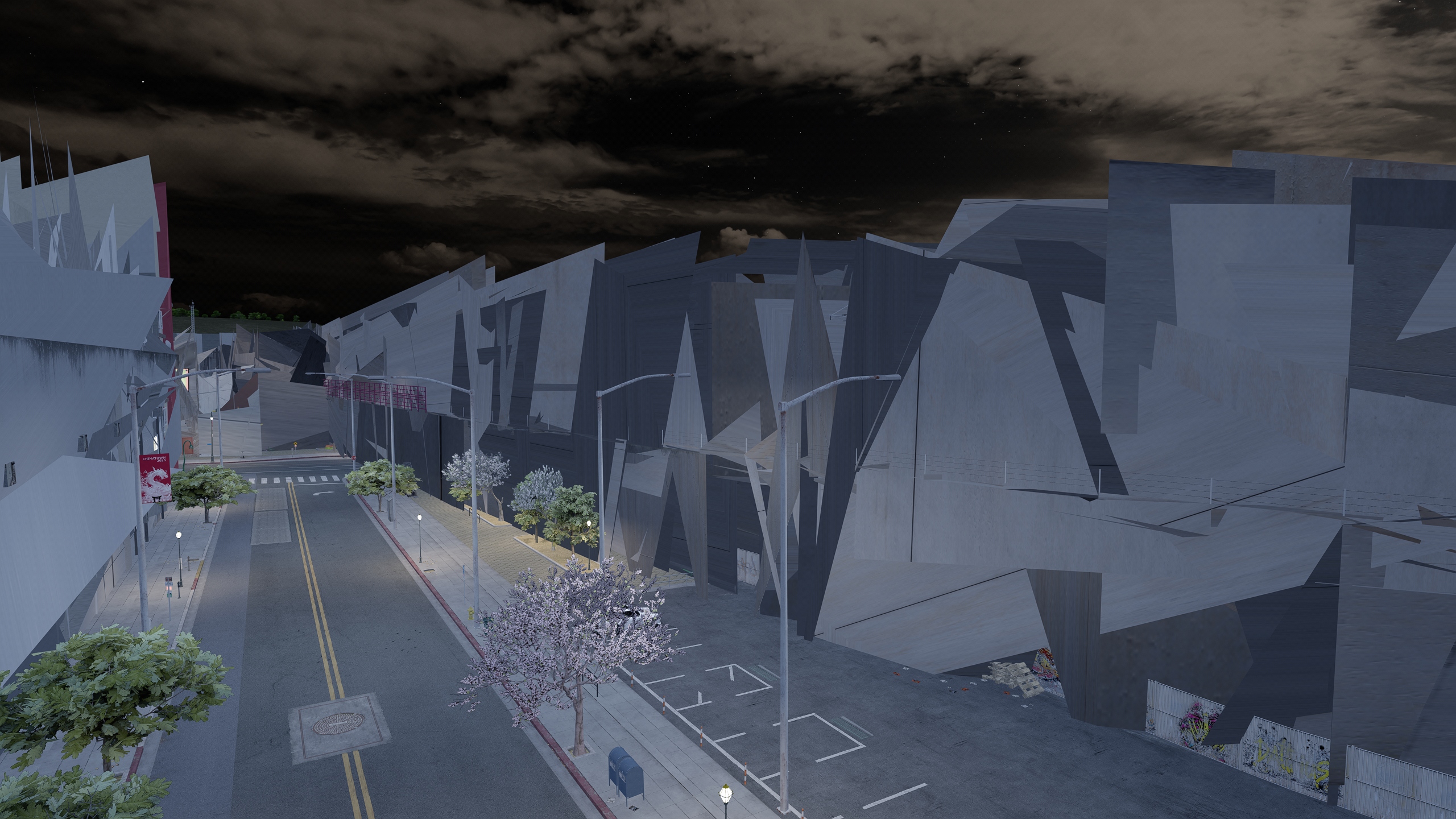
Are your building textures on 110 glitched or broken? Follow this guide!
Prerequisite
Please ensure you are using 0.2.11 CSP. (CM > Settings > Custom Shaders Patch > About & Updates)
Method 1:
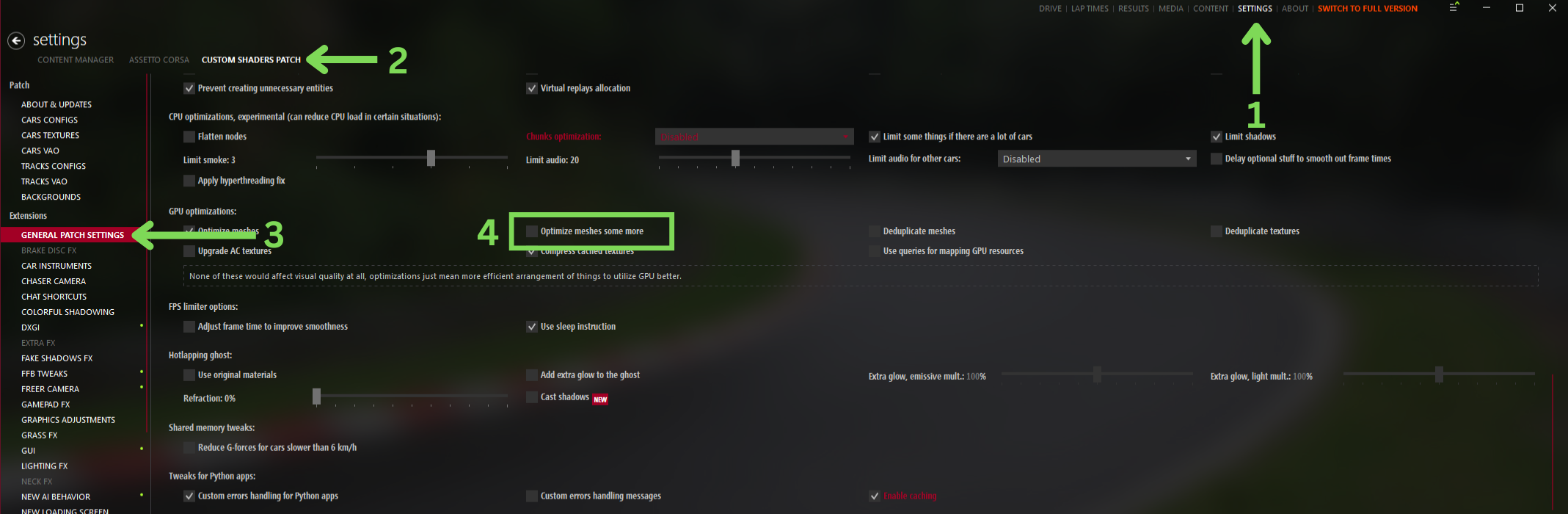
Ensure you have "Optimize meshes some more" DISABLED.
Content Manager > Settings > Custom Shaders Patch > General Patch Settings > GPU Optimizations
Step 1: Delete the track:
1. Root Folder Location > content > tracks
2. Delete the 110 folder
Step 2: Reinstall the track manually. Ensure you install the autoupateapp lua.
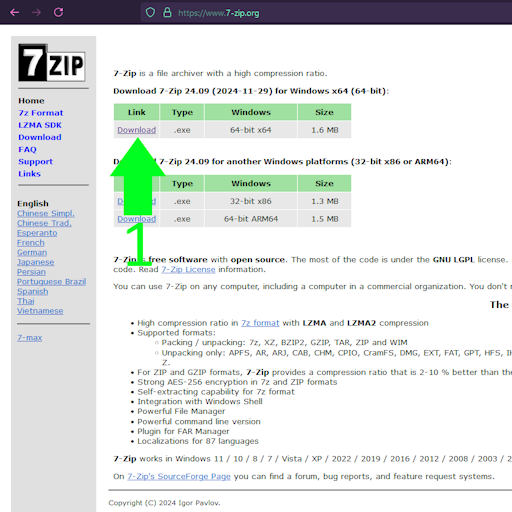
1. Click Here to download the track
2. Right-Click the zip folder > Show more options > 7zip > Open archive
3. Drag & Drop the apps and content into Root Folder Location
-# This "apps" folder, contains the "autoupateapp" lua needed
 Back to FAQs