Wondering how to install and/or delete cars manually directly in the game folder, follow this guide!
How to install a car manually
Step 1
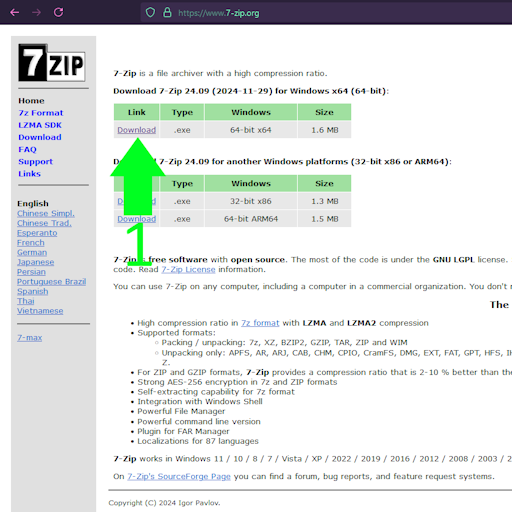
Download and install 7zip
7zip is free.
Step 2
Download the cars from our Content Delivery Network
Step 3
1. Right click the downloaded ZIP file -> click 7zip -> Extract Here
-# Windows 11 users will need to click show more options before they can find 7zip.
2. Move the extracted folder, into your car's folder. (Root Folder Location -> Content -> Cars)
VIDEO GUIDE
How to delete a car manually
Step 1
Open your Root Folder Location and navigate to content > cars
Step 2
Find the car you want to delete, right-click on it then click delete
Video Guide
 Back to FAQs