 Back to FAQs
Blue Screen when loading into a map? Follow this guide!
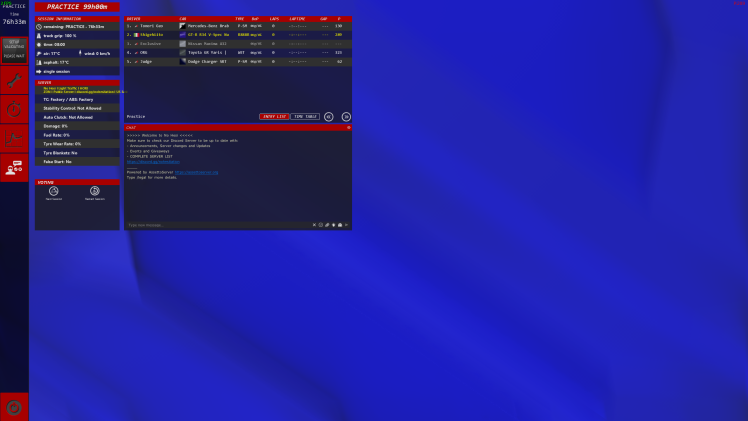
If you are having issues with a blue screen, with weird blue triangles, a full blue screen, or CPU 99% and a black screen and wild wheel on Horizon or 415, this is caused by your re-shade.
Method 1
You can either downgrade to Reshade 5.92 or delete it. To delete it simply run the installer again and there will be a way to delete it there.
If it is ONLY the car that is in blue triangles then that is a car issue, not a re-shade issue.
Follow How to install / delete cars manually to fix that issue.
Reshade versions 6 and above ONLY work with CSP 0.2.3p211 (the one with linear colour space) and above