 Back to FAQs
Here is how to fix the " Cannot find FUEL_INDICATOR target " error.
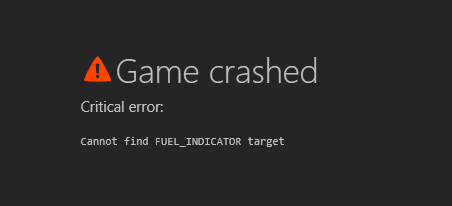
Step 1:
Navigate to your Root Folder Location and open the "content" folder
Step 2:
Rename the "cars" folder to "old_cars"
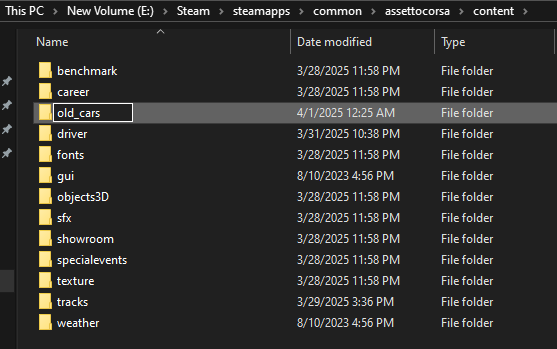
Step 3:
Open steam and Verify game files for Assetto Corsa
Step 4:
Once the verifying files is complete return to your Root Folder Location and again open the "content" folder and check to make sure verifying files created a new "cars" folder
Step 5:
Load the server you want to play on and use How to use "Install Missing Content" to download cars