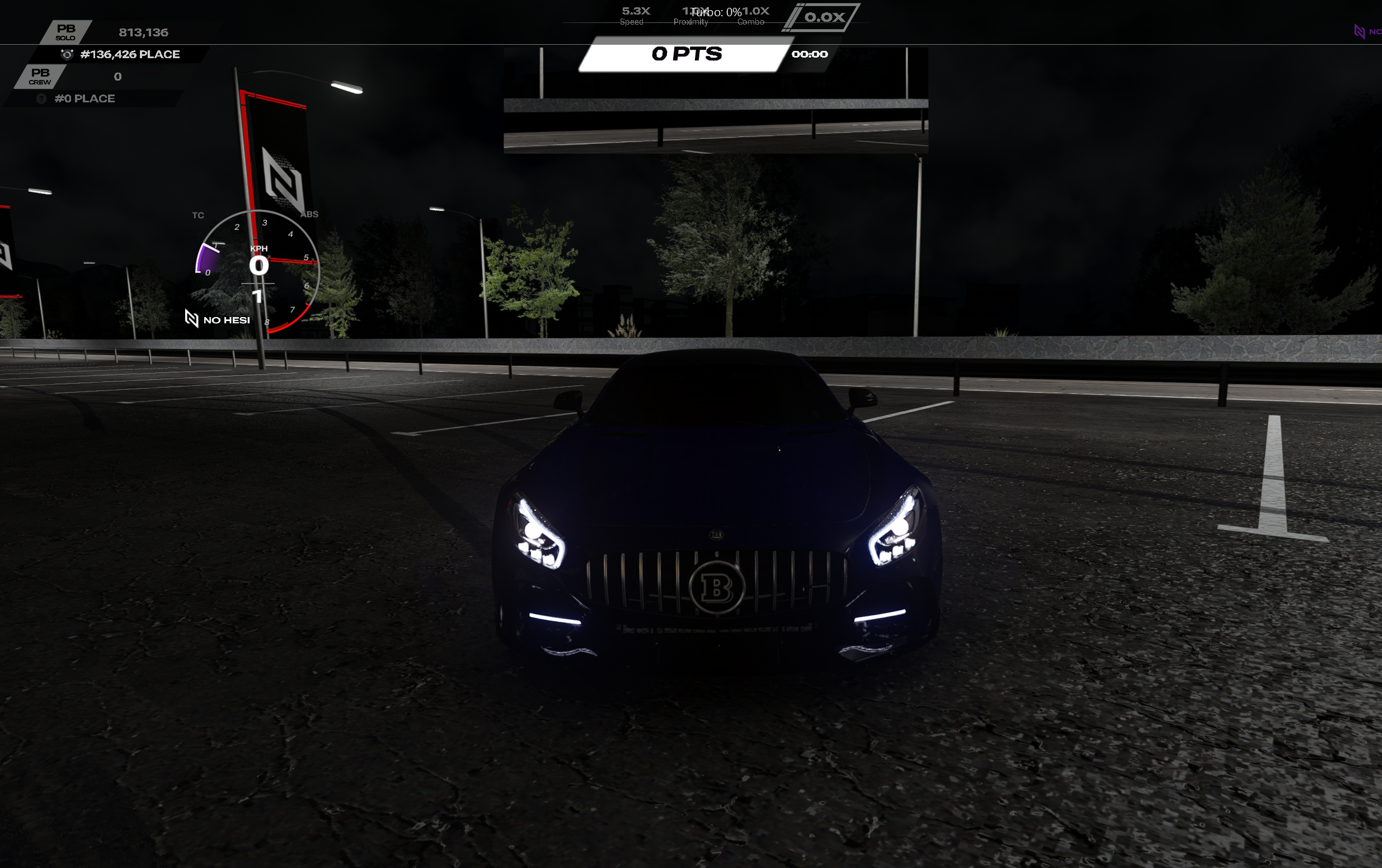
Is your camera pointing backwards without you pressing anything? Follow this guide!
Step 1:
Open file explorer and go to Documents/Assetto Corsa (not your root folder) and rename the “cfg” folder to "cfg_old" and restart Content Manager
Step 2:
Rebind your controls manually:
* Wheel: How to setup your Steering Wheel
* Controller: How to setup your Controller
* Keyboard: How to setup your Keyboard & Mouse
Step 3:
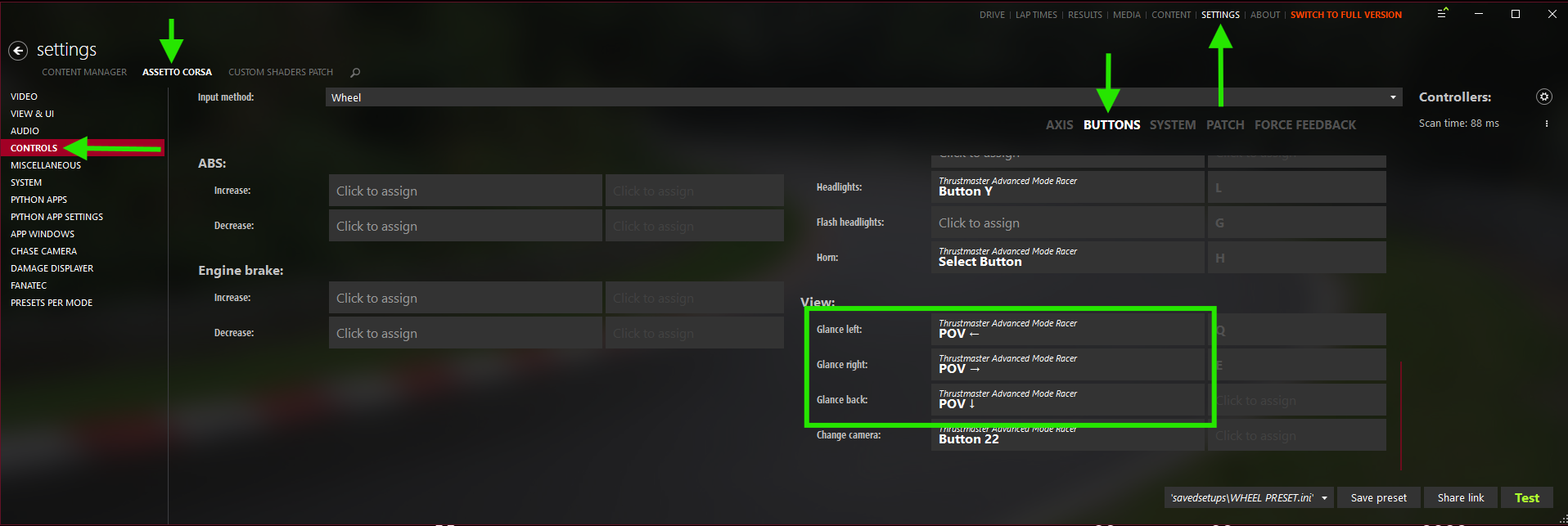
Open Content Manager > Settings > Assetto Corsa > Controls > Buttons or Additional > View
Assign:
1. Glance Left
2. Glance Right
3. Glance Back
4. Change Camera
Step 4:
Open Content Manager > Settings > Assetto Corsa > Controls > Patch > Neck FX
Assign:
1. Look Left
2. Look Right
3. Look Back
 Back to FAQs